Plan your day.Actually do it.
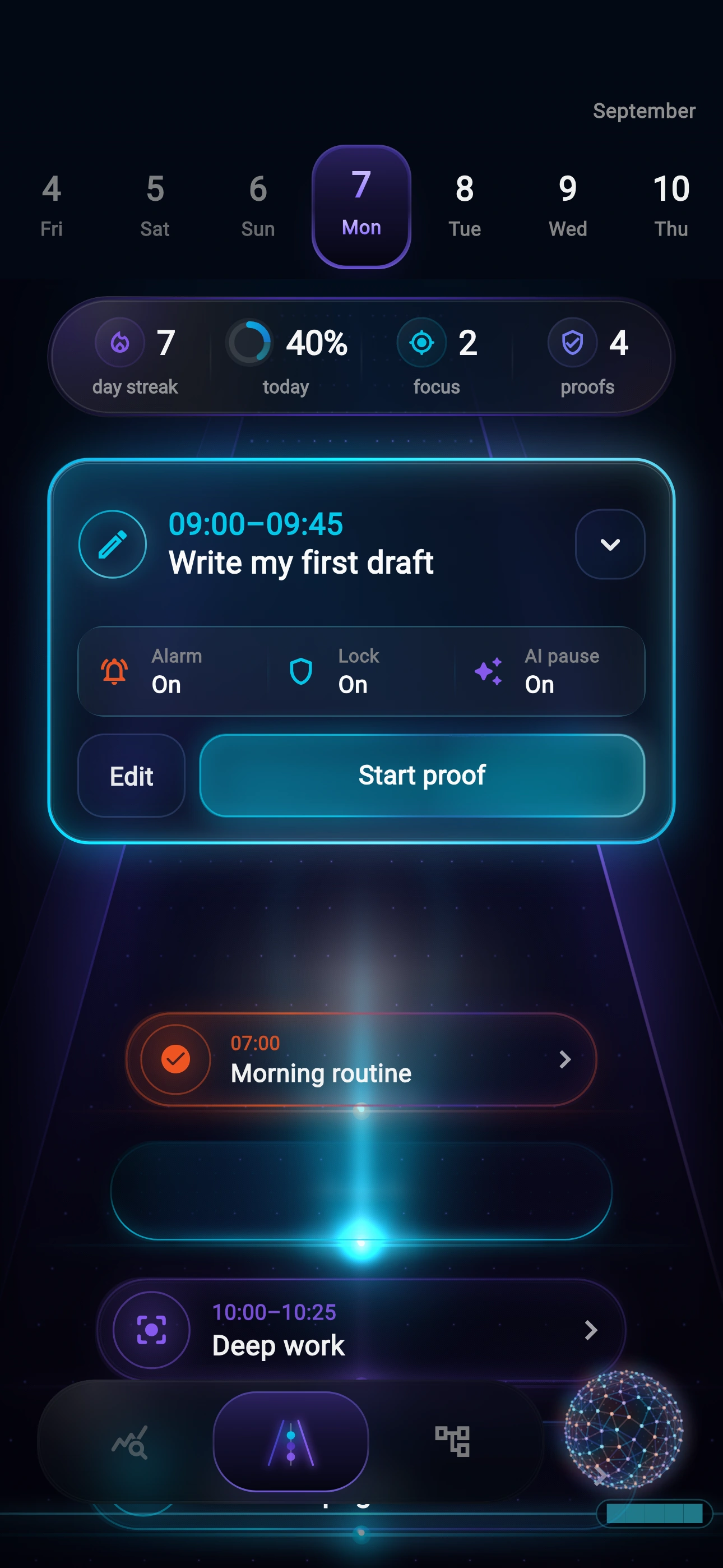
Schedule your tasks with AI, then focus on what’s next.
App preview
From plan
to done.
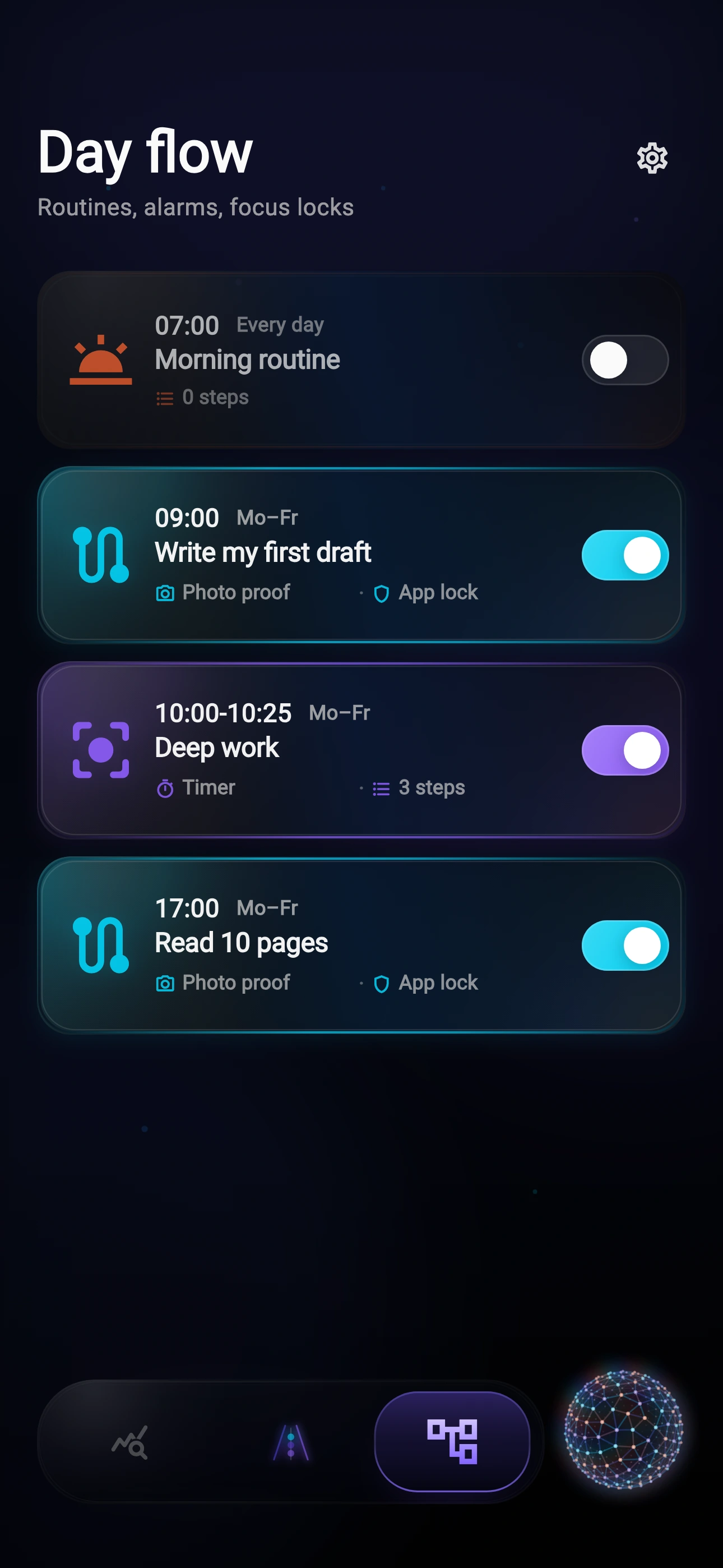
A morning routine you follow through.
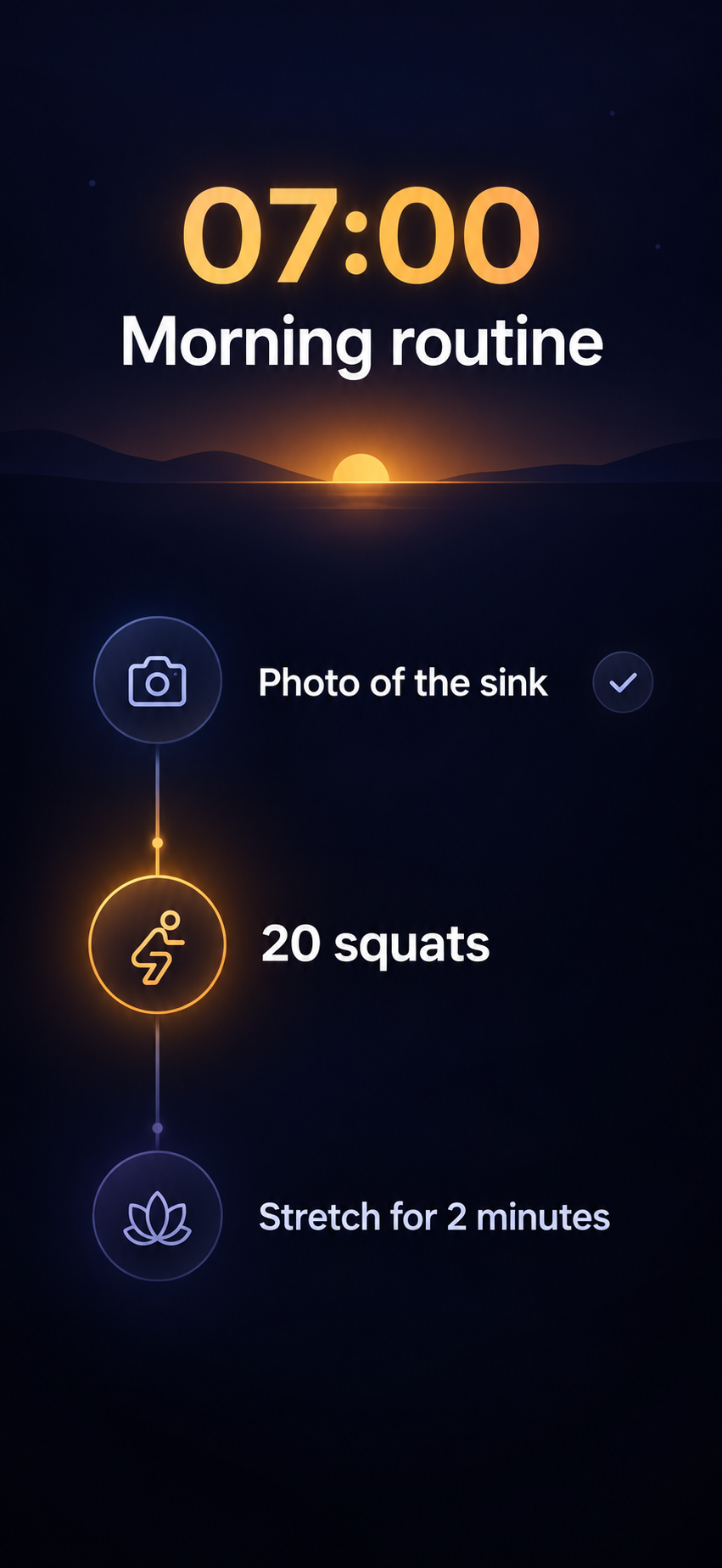
- Photo of the sink
- 20 squats
- Stretch for two minutes
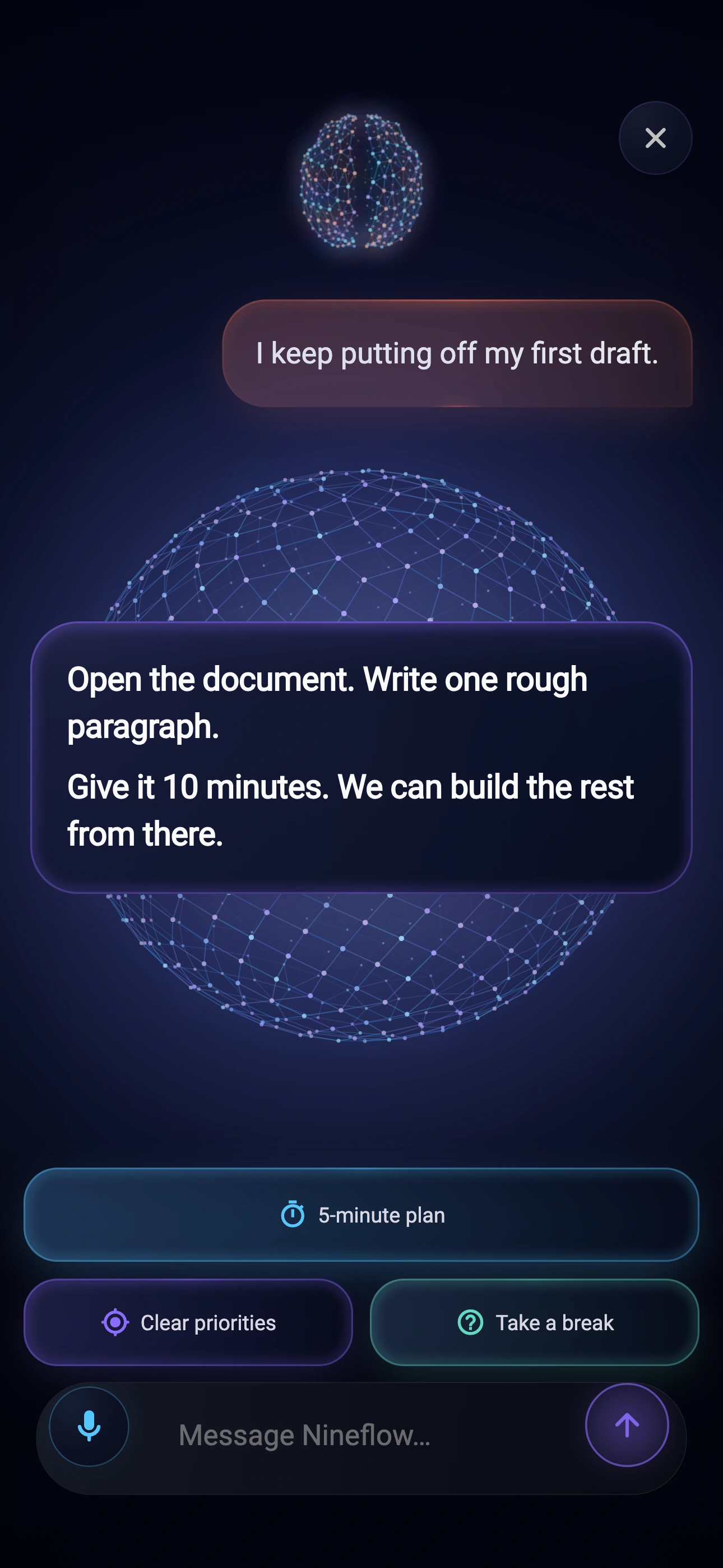
Open the document. Write one rough paragraph.
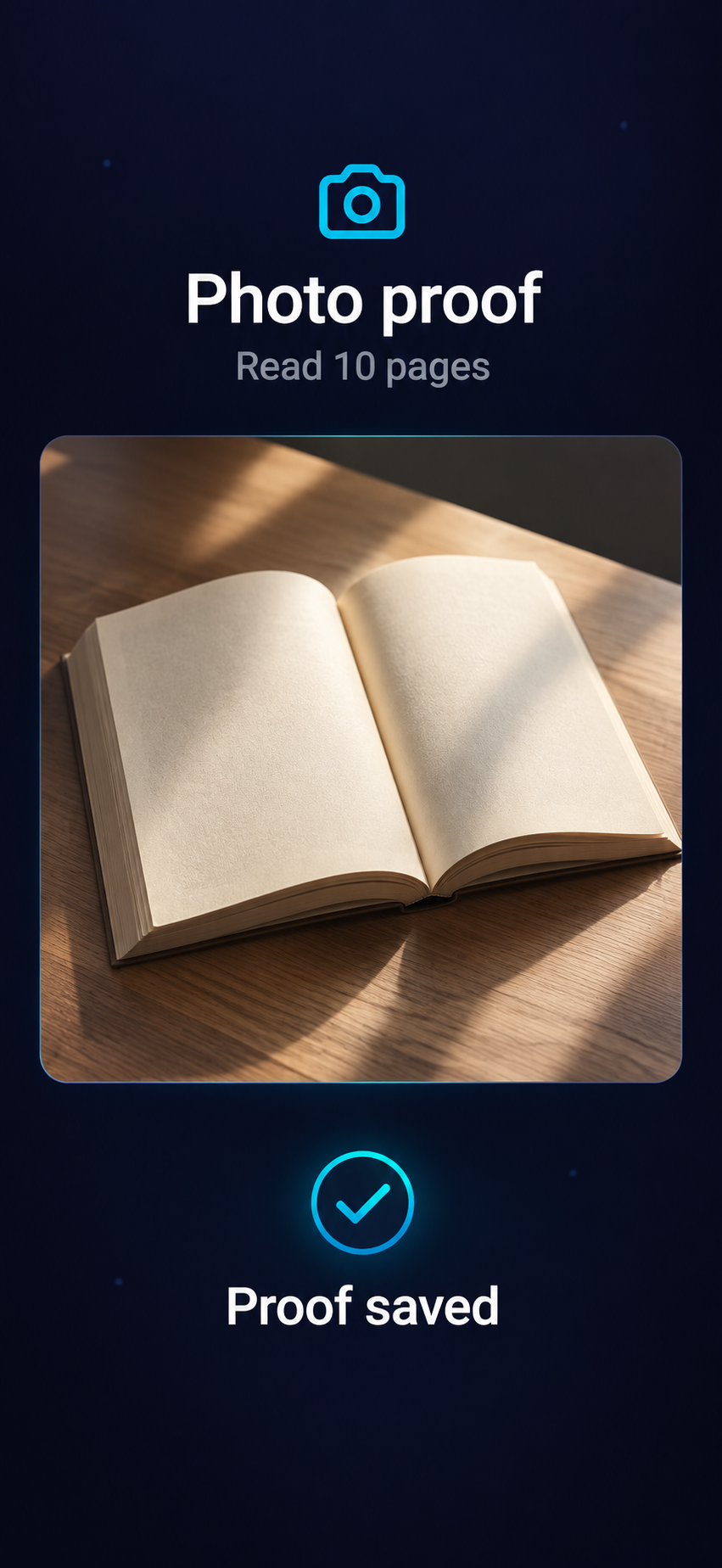
Read 10 pages
Ready for proof
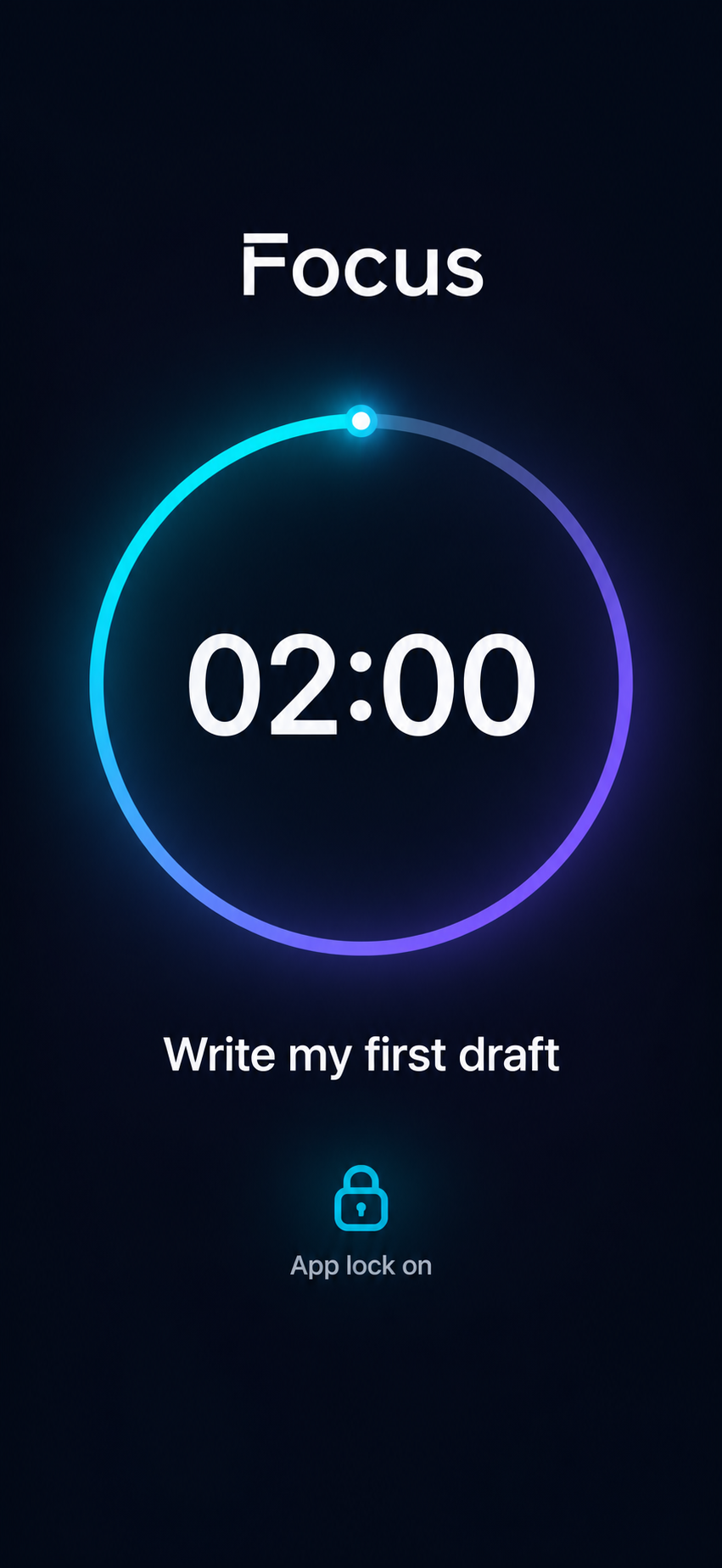
One task.
Your attention.
2-minute timer demo
Questions?
How do routines and proof work?
Choose photo, movement, or timed steps. Your alarm guides you through the routine; tasks use proof to record completion. AI snooze can negotiate a short delay.
How does focus work?
Nineflow blocks selected apps using your phone’s permissions. AI can negotiate a timed break. Optional Verified Focus checks your presence with on-device face detection.
Can AI use my calendar?
Yes. Connect selected calendars to plan around meetings, routines, and existing tasks. Talk to Nineflow AI by voice or text.
Are these demos the full app?
No. This page has sample sequences, app screens, and a working timer. AI, app blocking, camera checks, and proof capture run in Nineflow on your phone.